

If you’re diving into AWS for testing, development, or experimentation, you know how crucial it is to clean up your environment afterwards. Often, manual cleanup can be tedious, error-prone, and may leave resources running that could cost you later. That’s where Cloud-nuke comes into play — a command-line utility designed to automate the deletion of all resources within your AWS account.
Cloud-nuke is a powerful and potentially destructive tool, as it will delete all specified resources within an account. Users should exercise caution and ensure they have backups or have excluded critical resources before running the tool.
Step 1: Install Cloud-nuke
Download Cloud-nuke:
Visit the Cloud-nuke GitHub releases page.
Download the appropriate .exefile for Windows and run the installer.

Windows: You can install cloud-nuke using winget:
winget install cloud-nuke
Verify Installation:
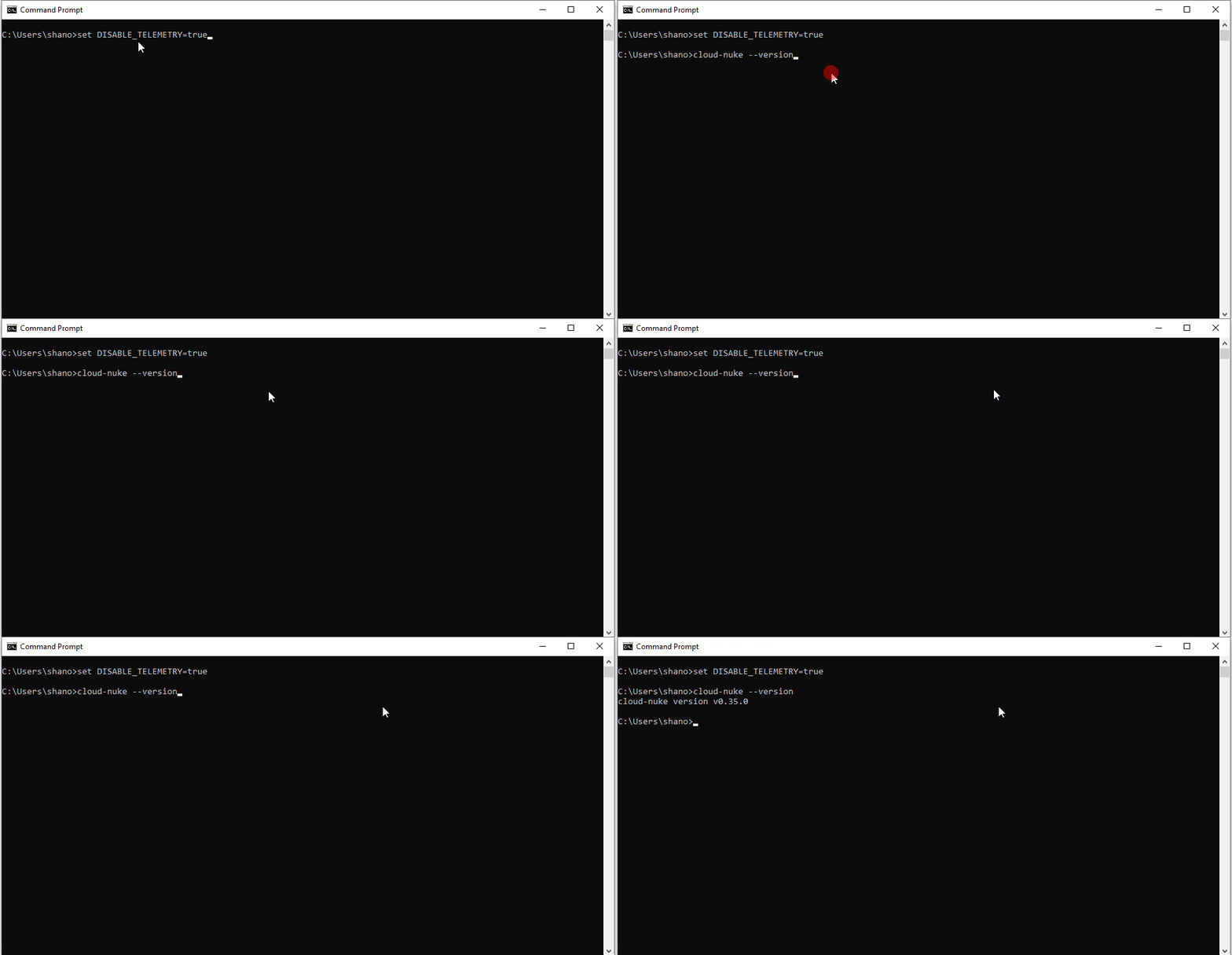
Open the Command Prompt and type cloud-nuke --version to verify that Cloud-nuke is installed correctly.
Step 2: Configure AWS CLI with Your Profile
Install AWS CLI:
If you don’t have the AWS CLI installed, download and install it from here.
Configure AWS CLI:
Open Command Prompt. Run the following command:
aws configure --profile your-profile-name
Provide the required credentials (Access Key ID, Secret Access Key) for your AWS account.
Specify your preferred default region (e.g., us-west-2).
Specify the output format (e.g., json).
Step 3: Use Cloud-nuke to Clean Up Resources
Run Cloud-nuke with IAM Exclusion:
To ensure no IAM users are deleted, include the --resource-type flag to exclude IAM resources:
cloud-nuke aws --exclude-resource-type iam
This command will target all resources except IAM.
Bonus Commands:
- To list all the profiles configured on your system, use the following command:
aws configure list-profiles
- This will display all the profiles you have configured.
- To see the configuration details for a specific profile, use the following command:
aws configure list --profile your-profile-name
This command will display the following details:
- Access Key ID: The AWS access key ID.
- Secret Access Key: The AWS secret access key (masked).
- Region: The default AWS region.
- Output Format: The default output format (e.g.,
json,text,yaml).
I hope this article helps those who plan to use Cloud-nuke. It’s a handy tool that can save you time and prevent unnecessary costs by automating the cleanup process after you’ve tried out resources in your AWS account.
In Plain English 🚀
Thank you for being a part of the In Plain English community! Before you go:
- Be sure to clap and follow the writer ️👏️️
- Follow us: X | LinkedIn | YouTube | Discord | Newsletter
- Visit our other platforms: CoFeed | Differ
- More content at PlainEnglish.io
 Shanoj